 Translate
Smart Classroom Transformation in Yamuna Vihar Delhi – Rajeev Chauhan Installs MaxPro Ultra 14 (75”) Interactive Panel
Rajeev Chauhan, Yamuna Vihar (Delhi) Upgrades to a 75” Interactive Powerhouse Benchmark Technomate MaxPro Ultra 14 (75”) Installation – A Complete Digital Transformation Story In today’s fast-moving digital world, the wa...
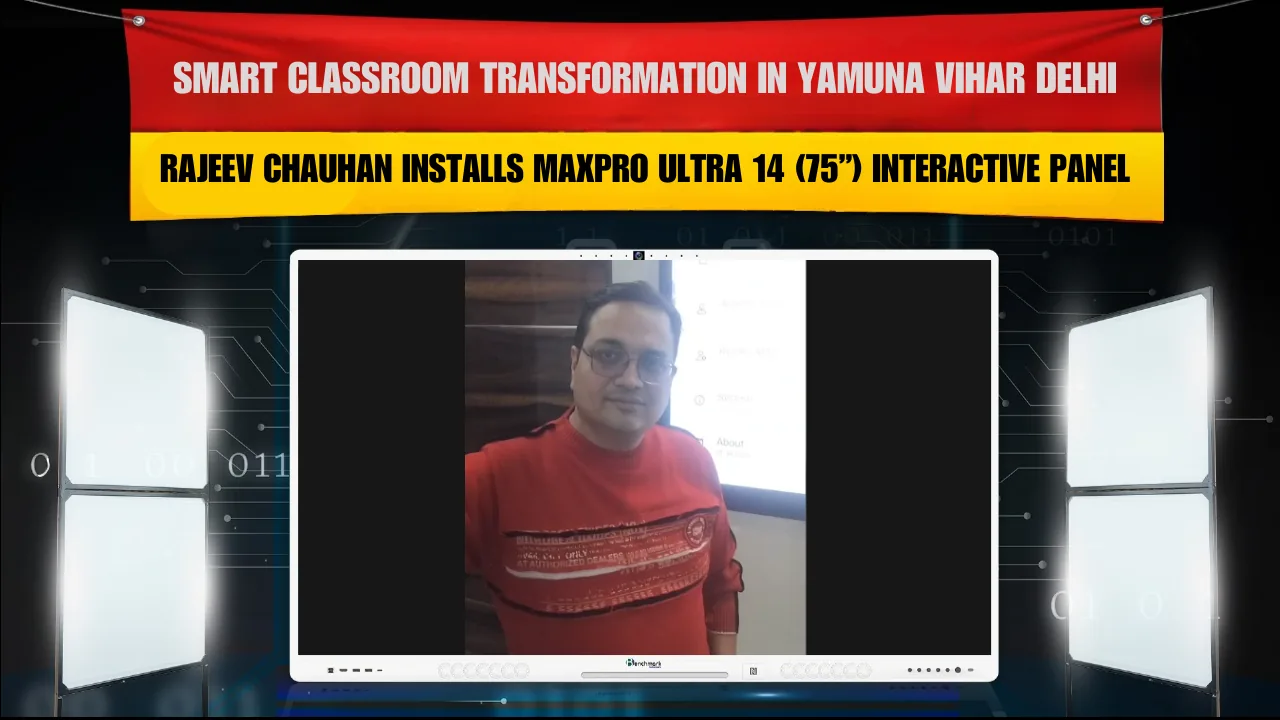

Rajeev Chauhan, Yamuna Vihar (Delhi) Upgrades to a 75” Interactive Powerhouse Benchmark Technomate MaxPro Ultra 14 (75”) Installation – A Complete Digital Transformation Story
In today’s fast-moving digital world, the way we present, teach, train, and communicate has completely changed. Traditional whiteboards and projectors are slowly becoming outdated. Whether it’s a coaching institute, corporate office, training center, or professional workspace — interactive flat panels are now the new standard. Recently, Rajeev Chauhan from Yamuna Vihar, Delhi, made a powerful decision to upgrade his space with the 75-inch Benchmark Technomate MaxPro Ultra 14 interactive flat panel. And this wasn’t just an equipment purchase — it was a complete digital transformation. In this detailed blog, we’ll walk you through:
Why the MaxPro Ultra 14 (75”) is a game changer How it transforms teaching & presentations The installation process Key features & technical highlights Real-world benefits after setup Why 75-inch is the ideal size And what makes this investment future-ready
Why Digital Upgrade is No Longer Optional The expectations of students, employees, and clients have evolved. Today’s audience wants:
Clear visuals Smooth presentations Engaging interaction Digital note sharing Screen recording Hybrid (online + offline) functionality
If your setup lacks these features, you’re already one step behind. Rajeev Chauhan understood this shift early. Instead of using outdated projection systems, he chose a premium interactive flat panel solution — ensuring clarity, engagement, and professionalism.
Introducing Benchmark Technomate MaxPro Ultra 14 (75”) The MaxPro Ultra 14 (75 inch) is not just a screen. It is an all-in-one smart interactive solution designed for:
Smart classrooms Coaching institutes Corporate training rooms Conference halls Content creation studios Hybrid teaching setups
The 75-inch display size offers a perfect balance — large enough for clear visibility, yet practical for medium to large rooms.
What Makes the 75-Inch Size Ideal? Many people ask: why 75-inch? 1. Perfect Visibility Even students sitting at the back can read small text clearly. 2. Professional Presence It immediately upgrades the look of the room. 3. Ideal for Hybrid Teaching When recording lectures or live streaming, the 75” panel ensures excellent background visibility. 4. Comfortable Writing Space More screen space means more room for writing, diagrams, and explanations. For Yamuna Vihar’s setup, 75-inch was a practical and powerful decision.
Key Features of MaxPro Ultra 14 (75”) 4K Ultra HD Display
3840 x 2160 resolution Crystal clear visuals High brightness & contrast Anti-glare display
Multi-Touch Interactive Writing
Smooth touch response Multiple users can write simultaneously Palm erase feature Different pen colors & thickness
Android-Based Smart System
Direct internet browsing App installation Screen recording PDF opening Video playback Wireless screen sharing
OPS (Optional PC Slot) For advanced users, OPS support allows you to convert the panel into a full Windows PC system.
Advanced software usage Coding classes Corporate presentations Data analysis
Wireless Screen Sharing
Laptop Mobile Tablet
Directly on the screen without cables. This makes meetings and classrooms clutter-free.
Installation Process at Yamuna Vihar, Delhi Step 1: Site Inspection Wall strength and room layout were checked to ensure safe mounting. Step 2: Wall Mount Installation Heavy-duty wall mount brackets were installed for secure positioning. Step 3: Panel Fixing The 75-inch panel was mounted carefully with alignment precision. Step 4: Electrical & Connectivity Setup Power connection, LAN/WiFi, and HDMI configurations were completed. Step 5: Software Configuration Android setup, WiFi connection, screen calibration, and user demonstration. Step 6: Demo & Training
Writing tools Saving notes Screen recording Wireless casting File management
After setup, the transformation was immediately visible.
Comparing Traditional Setup vs MaxPro Ultra 14
Feature Traditional Projector MaxPro Ultra 14
Clarity Low in daylight Crystal clear 4K
Writing Separate board needed Direct screen writing
Setup Bulky wires Clean installation
Maintenance Lamp replacement Minimal maintenance
Interaction Limited Multi-touch
Technical Specifications (75” Variant)
Screen Size: 75 inches Resolution: 4K Ultra HD Touch Points: Multi-touch OS: Android-based Connectivity: HDMI, USB, LAN, WiFi OPS Support: Yes Built-in Speakers: Yes Anti-Glare: Yes
Why Delhi-Based Institutes Prefer 75” Panels
Competitive environment Digital-first students Hybrid exam preparation Content recording needs
Long-Term Investment Value
No recurring projector bulb costs No separate whiteboard maintenance Reduced equipment clutter Better brand image Higher student enrollment potential Professional edge over competitors
Future Expansion Possibilities
4K PTZ Camera Studio Mic Setup YouTube recording setup Live streaming classroom Digital course creation
User Experience Feedback
Faster explanation speed Easy content switching Instant PDF annotation Digital note sharing Improved student satisfaction
Common Questions Is 75-inch too large for small rooms? No. For medium rooms, it provides excellent visibility without strain. Does it require constant internet? No. It works offline too. Can it replace a computer? For basic tasks, yes. For advanced tasks, OPS can be added. Is installation complicated? No. Professional installation ensures smooth setup.
Read More -
Benchmark Sigma AI-7 Pro (75") Installation at Varunam Institute Jehanabad Benchmark Sigma AI-7 Pro Installation in Jehanabad Bihar Smart Digital Setup Installation Case Study
Final Thoughts The installation of the Benchmark Technomate MaxPro Ultra 14 (75”) at Yamuna Vihar, Delhi is more than just an equipment upgrade. Technology is not an expense. It is an investment in clarity, engagement, and growth. The digital era has arrived. Are you ready?
