 Translate
Benchmark Sigma AI-A7 Troubleshooting Guide: Fix Common Issues Quickly
Benchmark Sigma AI-A7 Troubleshooting Guide The Benchmark Sigma AI-A7 is a state-of-the-art interactive display that offers exceptional features for smart classrooms, corporate presentations, and content creation. Howeve...
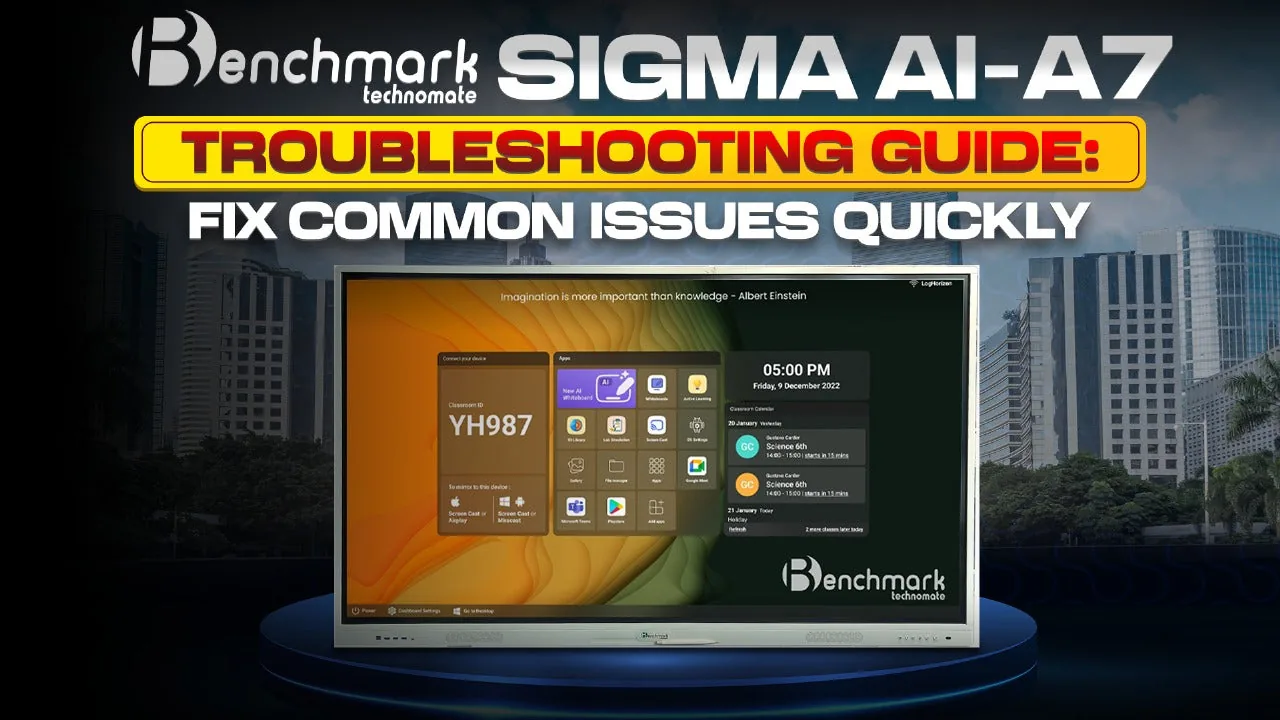
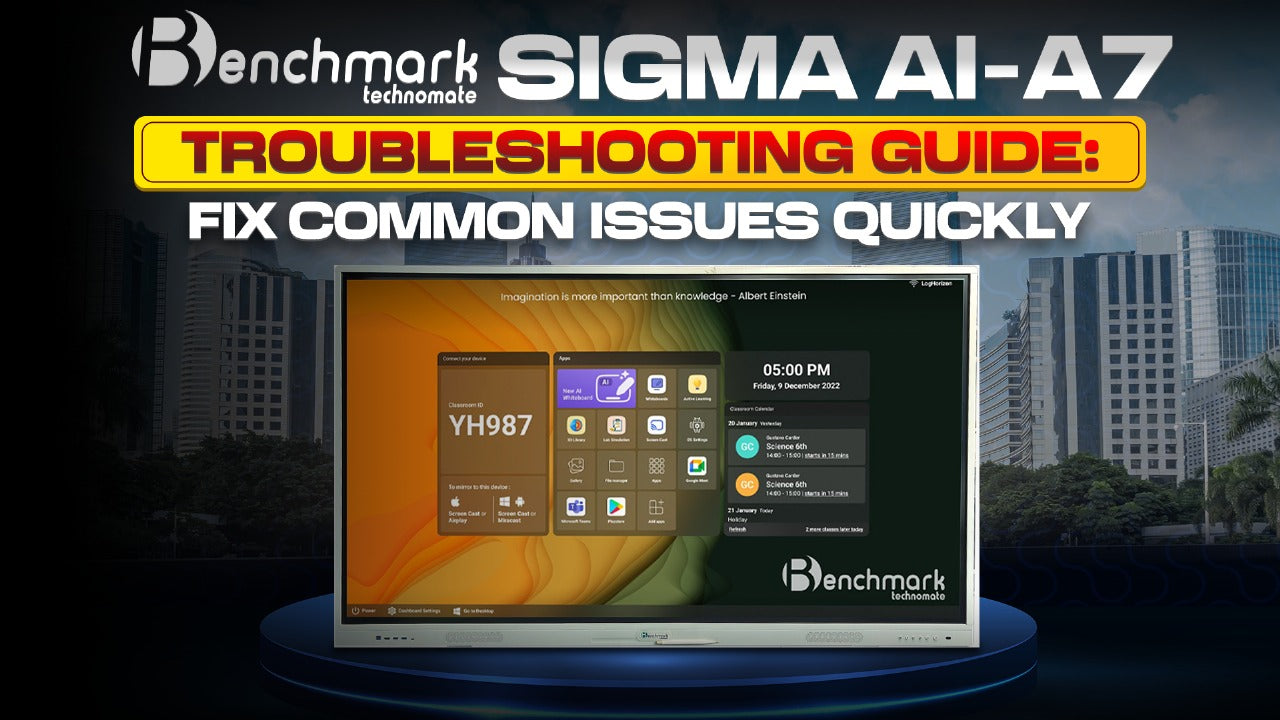
Benchmark Sigma AI-A7 Troubleshooting Guide The Benchmark Sigma AI-A7 is a state-of-the-art interactive display that offers exceptional features for smart classrooms, corporate presentations, and content creation. However, like all advanced devices, you might encounter some minor issues from time to time. This comprehensive troubleshooting guide will help you identify, fix, and prevent common issues with your Benchmark Sigma AI-A7, ensuring smooth and uninterrupted performance.
Common Benchmark Sigma AI-A7 Issues and Quick Fixes If you’re experiencing problems with your Benchmark Sigma AI-A7, don’t panic! Most issues can be resolved with simple troubleshooting steps. Below are some of the most common problems users face and how to fix them. Also Read: Interactive Flat Panel vs. Smart TV: Understanding Key Differences for Business & Education Display Issues on Benchmark Sigma AI-A7 The Benchmark Sigma AI-A7 features a 4K UHD resolution (3840 x 2160) with zero bonding optical touch technology. While this ensures high-quality visuals, display issues can sometimes occur. Problem: Screen Flickering or Blurry DisplayCause: Loose connections, outdated firmware, or incorrect resolution settings.Solution:
Ensure all cables are properly connected, especially HDMI and power cables. Restart the device and check if the problem persists. Go to Settings > Display Settings and ensure the resolution is set to 3840 x 2160 (4K UHD). Update firmware to the latest version available for Benchmark Sigma AI-A7.
Touchscreen Not Responding The Benchmark Sigma AI-A7 supports up to 40 touch points, making it perfect for collaborative work. However, touch response issues can occasionally arise. Problem: Touchscreen is Unresponsive or LaggingCause: Dirty screen, outdated firmware, or software conflict.Solution:
Clean the screen with a microfiber cloth to remove dust or fingerprints. Ensure your hands are clean and dry when using the touchscreen. Restart the device to clear any software glitches. Update the firmware by navigating to Settings > System Update. Check for compatibility issues with external devices connected via USB or HDMI.
Also Read: Smart Board for Teaching Price in India: Top Models & Best Deals 2025 Connectivity Problems The Benchmark Sigma AI-A7 supports various connectivity options, including Wi-Fi, Bluetooth 5.0, HDMI, USB, Type-C, VGA, LAN, Audio, and AV In/Out. Problem: Wi-Fi or Bluetooth Connectivity IssuesCause: Incorrect network settings, outdated drivers, or interference.Solution:
Ensure Wi-Fi or Bluetooth is turned on from the settings menu. Restart your Benchmark Sigma AI-A7 and reconnect to the network or device. Remove any external devices causing interference. Update network drivers or software if available. Reset network settings by going to Settings > Network & Connectivity > Reset Network Settings.
Also Read: 10 Incredible Uses of Display Boards for Schools, Businesses, and Events Audio Not Working The Benchmark Sigma AI-A7 comes with 20W + 20W built-in speakers for powerful sound output. However, audio issues may occur occasionally. Problem: No Sound or Distorted SoundCause: Volume settings, outdated drivers, or hardware issues.Solution:
Check volume settings and ensure Mute is not enabled. Test speakers with different apps to verify if the issue is app-specific. Ensure the HDMI or audio cables are properly connected. Update audio drivers if available. Restart the device to reset audio functions.
Device Not Recognized via USB or HDMI The Benchmark Sigma AI-A7 provides multiple USB 3.0 and HDMI ports for extensive connectivity. Problem: USB or HDMI Devices Not DetectedCause: Faulty cables, outdated firmware, or incorrect port usage.Solution:
Ensure the cables are securely connected. Test the cables with another device to confirm functionality. Restart the Benchmark Sigma AI-A7 and try reconnecting. Update the firmware to the latest version. Try using a different port or change settings to Input Source.
Software Compatibility Issues Since the Benchmark Sigma AI-A7 runs on Android 13, compatibility issues with certain apps or software may arise. Problem: App Crashing or Not Functioning ProperlyCause: Outdated apps, incompatible software, or insufficient storage.Solution:
Ensure the app is compatible with Android 13. Clear cache and data for malfunctioning apps. Uninstall and reinstall the problematic app. Free up storage space by deleting unnecessary files or apps. Update apps from the Google Play Store or other trusted sources.
Calibration Problems Touch sensitivity and calibration are essential for optimal use of the Benchmark Sigma AI-A7. Problem: Inaccurate Touch DetectionCause: Miscalibration or outdated software.Solution:
Access Settings > Display > Calibration and follow the on-screen instructions. Restart the device to refresh system settings. Update the firmware if the issue persists.
Benchmark Sigma AI-A7 Warranty & Support The Benchmark Sigma AI-A7 comes with a 3-year warranty. If your troubleshooting efforts fail, consider contacting Benchmark Technomate’s support team for assistance. Ensure you have your purchase details and warranty card ready for faster support. Preventive Tips to Avoid Common Issues
Regularly clean the screen with a microfiber cloth to maintain responsiveness. Ensure all software and firmware are up to date. Avoid overloading the device with incompatible apps. Restart the device periodically to prevent software glitches.
Conclusion The Benchmark Sigma AI-A7 is a powerful interactive display designed for seamless teaching, collaboration, and content creation. With the right troubleshooting steps, you can quickly resolve most issues and enjoy the full potential of your device. Always keep your firmware updated and follow preventive measures to avoid common issues.
